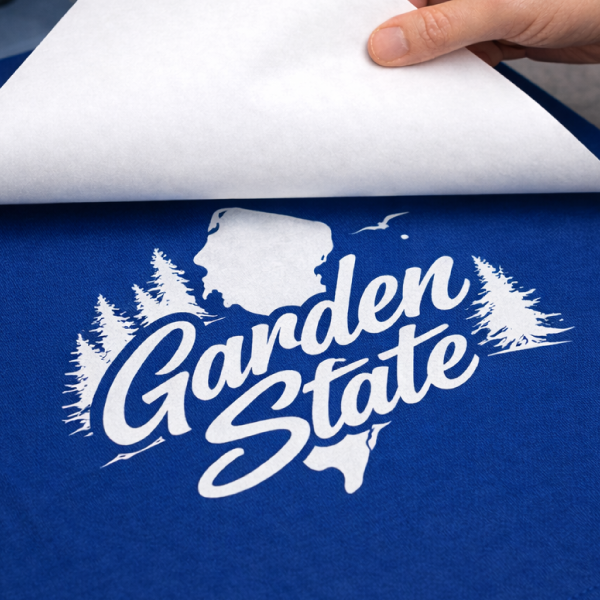
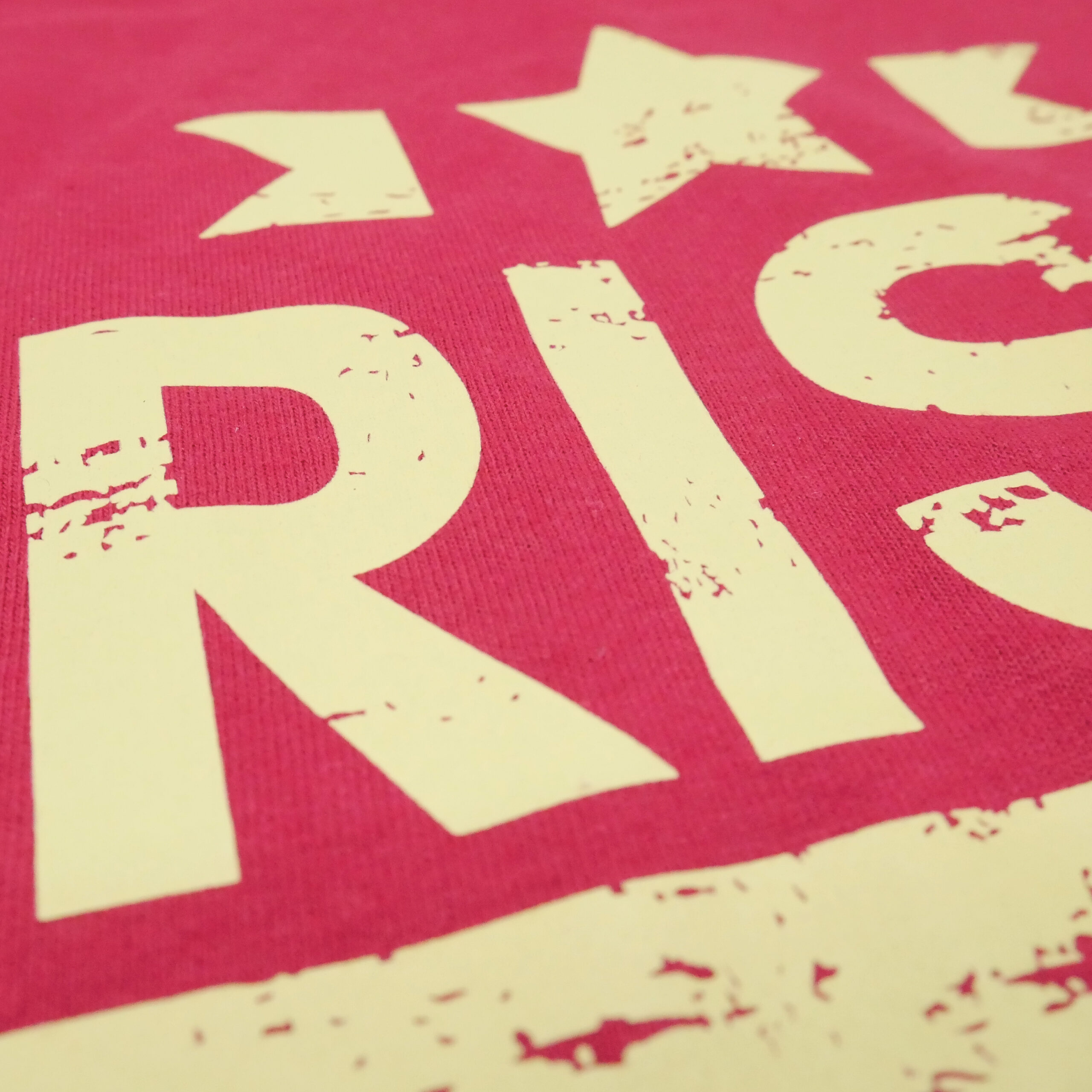
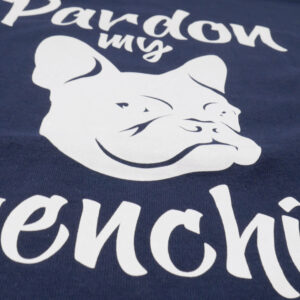
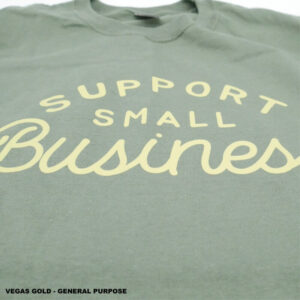
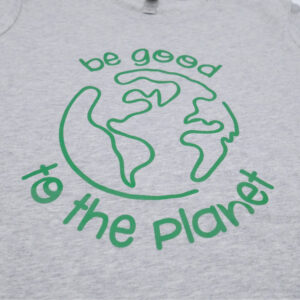
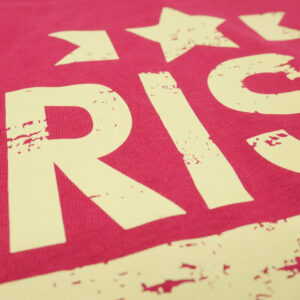
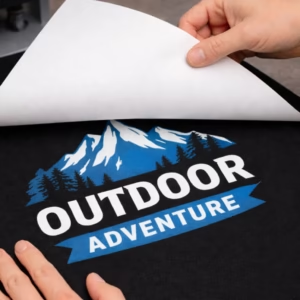
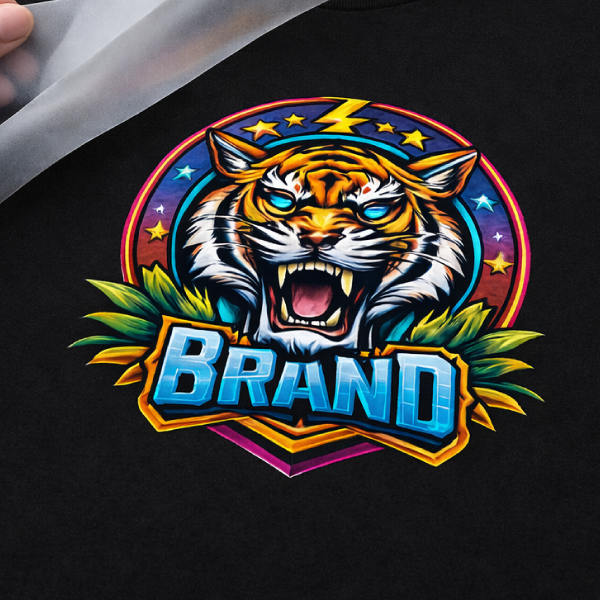
Advanced GP General Purpose Plastisol Heat Transfers are made for decorators who need high-opacity prints with a true screen printed plastisol feel. Using professional plastisol inks, they deliver bold color, crisp edges, and a soft hand that stands up to real wear and repeated washing, so finished garments look and feel like retail-quality screen printed apparel.
This transfer is for busy shops, growing brands, and uniform programs that want dependable results on every press day. Advanced GP works great on cotton, polyester, and blends, making it ideal for merch drops, team gear, and everyday production where consistency and durability matter most, especially with bulk-friendly pricing and free shipping.
Key Features
- Highest opacity for bold, solid prints
- Highly durable long-lasting finish made for real wear and washing
- Professional screen printed look and feel
- Max print area: 12″ x 17.5″ (gang sheet or single design)
- Works on: Cotton, polyester, blends and canvas
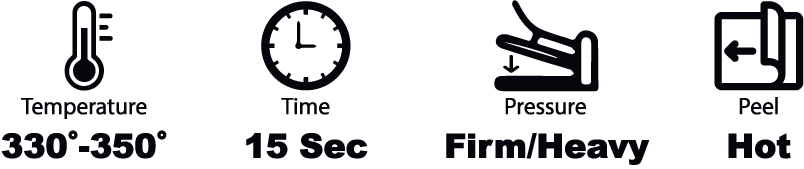
- Press temp: 320°F–350°F (fabric must handle at least 320°F)
- Heat press required (craft presses may not apply evenly)
- Bulk-friendly pricing
- 6 Minimum
Application & Care ➔
Application Instructions
- DO NOT USE A TEFLON SHEET OR ANY KIND OF COVER***
- MUST USE TRADITIONAL HEAT PRESS***
- Set heat press to required temperature and pressure.
- Once temperature is reached , press the bottom platen for 5-10 seconds. (only for first press)
- Set and align garment , then press for 5 seconds to remove moisture and wrinkles.
- Set and align transfer , press for required time.
- Peel transfer , for hot peel right away, for cold peel wait at least 30 seconds or until room temperature is reached.
*** Always do a test run to make sure everything is good we are not responsible for damaged garments***
Care Instructions
- Wash Cold Inside Out
- Best if Hang Dry or No Heat if Must Tumble Dry Low Heat
- Do Not Bleach
- Do Not Iron Imprint/Transfer
- Do Not Dry Clean
- Best Not to use fabric softener
Transfers will between 6 months to a 1 Year if stored properly, so we recommend using the transfers within 6 months.
Shipping & Turnaround ➔
Most orders with single-color, vector-ready artwork are produced in 1–2 business days.
Orders with non-vector artwork usually add one extra business day. If the file is low quality or the artwork is complex, turnaround can take longer.
Multi-color orders and higher quantities may also require additional production time.
Shipping From New Jersey
Order Cutoff Time
Cutoff is Monday–Friday at 1:00 PM ET. Orders placed after 1:00 PM ET or on weekends begin processing the next business day.
Artwork Requirements ➔
Print Ready Basics
Your artwork prints as submitted, including size, spelling, and layout.
- Upload the file at the exact size you want it printed.
- If resizing is needed, include the exact width and height in your order notes.
- Artwork is uploaded in the correct orientation and not mirrored.
- Backgrounds are transparent unless a background is intended to print.
Preferred File Types
Vector artwork produces the cleanest edges and most consistent results.
Preferred (Vector)
Also Accepted
For raster files, artwork is provided at 300 dpi at final print size.
Canva Users
If you design in Canva, export your file as PDF Print for best results.
Color Setup
General Purpose transfers are produced using spot colors.
- Use solid colors when possible.
- Only include white when white ink is intended to print.
- If your file colors do not match what you want printed, list the intended colors in the order notes.
Minimum Detail Requirements
To prevent small details from filling in or breaking, artwork meets these minimum tolerances.
- Minimum printed line thickness: 1 pt or 0.014 in
- Minimum negative space: 2 pt or 0.028 in
Artwork below these tolerances may print heavier, fill in, or lose detail.
Text Requirements
All text is converted before submission to prevent font issues.
- Illustrator: convert text to outlines
- Photoshop: convert text to shapes
Converted text is no longer editable as live text.
Effects and Fine Detail Notes
Screen printed transfers are best for clean, solid artwork.
- Gradients, fades, shadows, and transparency effects may not reproduce as intended.
- Thin strokes and tiny “holes” inside letters can close up if they fall under minimum tolerances.
Files Not Accepted
Files from Cricut design tools, Windows Paint, Apple Paintbrush, and similar generic programs often do not separate cleanly for screen printing and may not be usable as submitted.
If anything is questionable, the fastest path is sending the best file available and including the intended print size.