Description
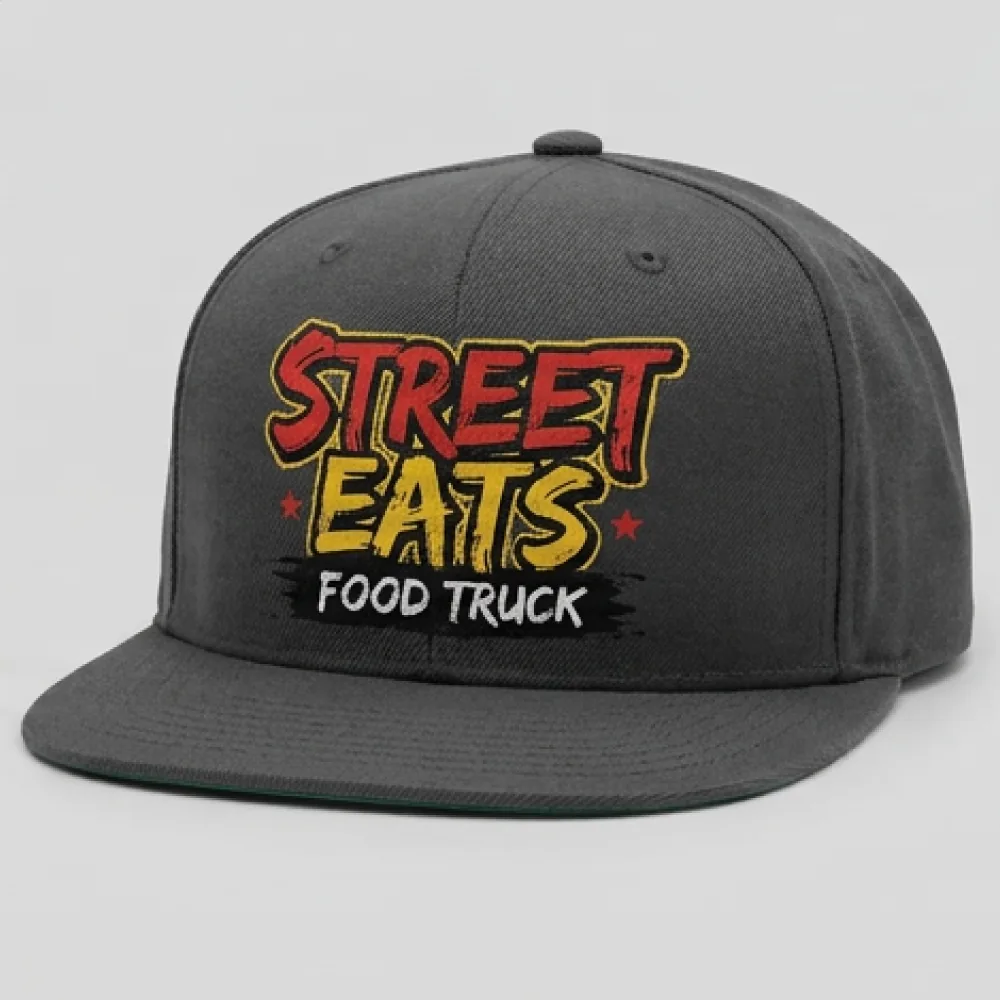
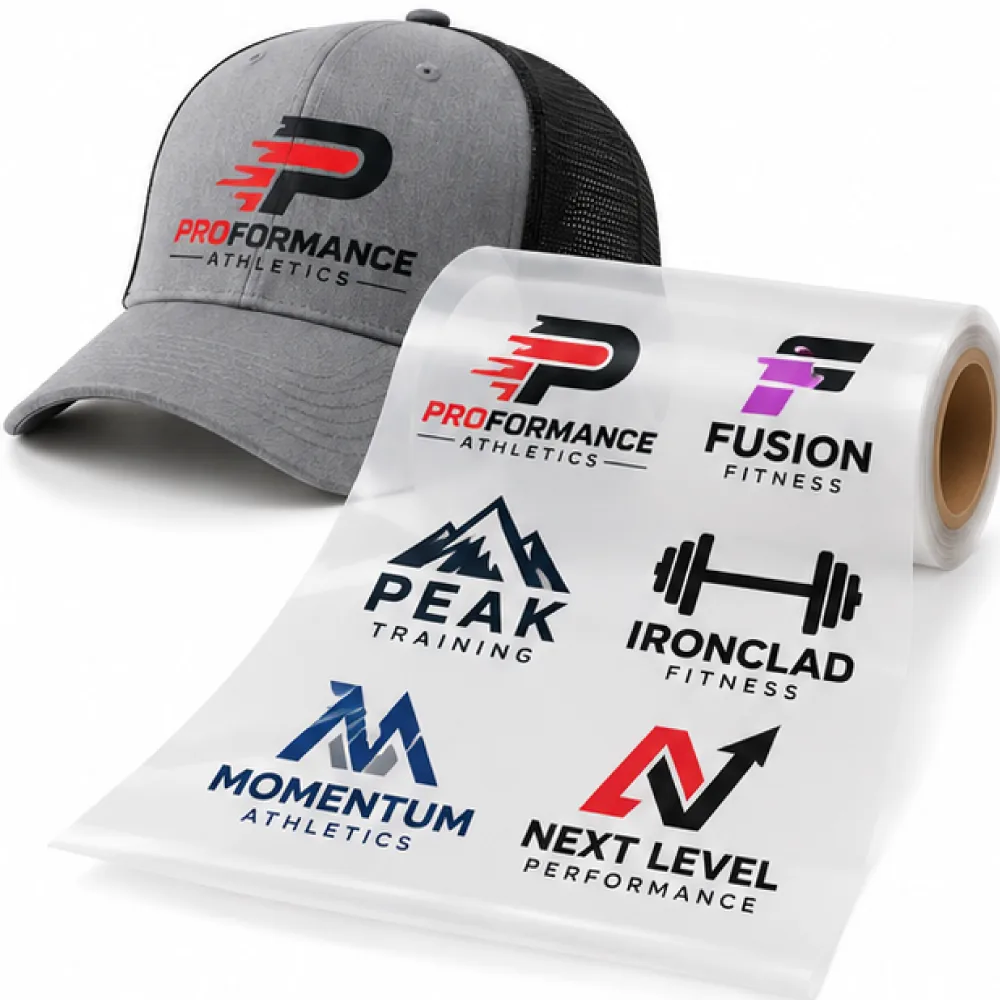
Full-Color Cap Heat Transfers print a complete design in a single press, with every color included at once. There is no color limit, no weeding, and no stiff edge around the artwork, so small logos, fine text, gradients, and photographic detail stay clean on a curved panel. Metallic colors and spot-color matching keep team and brand headwear consistent across reorders.
The print is built to move with headwear instead of fighting it. A flexible adhesive bridges over seams and ridges without cracking or warping, then rebounds when the cap is bent or shaped. That makes it possible to decorate areas where ordinary transfers lift or split, while keeping a soft feel that does not look patched on. Water-based inks with certified materials keep colors vivid on both light and dark headwear.
Two finished sizes are available, from a 2.5 x 2.5 in left-panel or compact mark up to a 4.7 x 2.8 in cap-front size. Every size is offered at every quantity, so one artwork file can run 10 pieces for a staff rollout and repeat unchanged at volume. The minimum is 10 identical pieces per design, with unit pricing that steps down at 20, 50, 100, 200, 300, 500, 1000, 2500, and 5000 pieces.
These transfers suit 100 percent cotton and polyester headwear, cotton-poly blends, and water-resistant fabrics with a durable water repellent coating. That covers baseball caps, five and six panel caps, trucker caps including mesh, bucket hats, beanies, straw hats, golf hats, skater hats, and berets. Size the design to the panel the press can reach evenly, and press a sample first when you change cap styles or fabrics.
Application takes 8 seconds at 290°F to 320°F with firm 40 psi pressure on a hat press with a curved platen, then a hot peel. Use a professional-grade heat press, not a domestic iron or a low-pressure craft press, and do not press without the curved platen. Supply one print-ready PDF with fonts outlined and fine lines at 0.6 pt or heavier, and every file is reviewed before printing. Production runs 1 to 2 business days after artwork approval. For full color on caps and hats that must survive seams and shaping, Full-Color Cap Heat Transfers are the format to order.
Pricing
Per-transfer prices below show how unit cost falls as quantity rises. Find your finished size and quantity, then order in the configurator. It calculates your exact total live, and cart and checkout totals apply. Minimum 10 identical pieces per design. For a sheet with multiple different designs, choose a gang-sheet product instead. Request a Quote for help sizing a run.
| Size (in) |
10 |
20 |
50 |
100 |
200 |
300 |
500 |
1000 |
2500 |
5000+ |
| 2.5 x 2.5 |
$3.65 |
$3.05 |
$1.53 |
$1.06 |
$0.88 |
$0.76 |
$0.70 |
$0.66 |
$0.60 |
$0.56 |
| 4.7 x 2.8 |
$3.93 |
$3.29 |
$1.78 |
$1.32 |
$1.12 |
$0.99 |
$0.95 |
$0.91 |
$0.85 |
$0.81 |
Volume discounts apply automatically. Final totals calculate live in the configurator. Chart shows retail per-transfer prices; live ACE totals apply at checkout.
Need a larger quantity? Get a custom quote!
Request a Quote
FAQ
Frequently Asked Questions
What is this transfer?
Full-Color Cap Heat Transfers are full-color headwear transfers pressed with heat. One artwork file produces every color at once, with a flexible feel, no weeding, and a hot peel that suits curved panels.
Why use a headwear transfer instead of a garment transfer?
Caps bend, stretch, and cross seams where ordinary transfers crack. This format uses a flexible adhesive that bridges those areas and rebounds when the hat is shaped.
What hats can I press?
Baseball caps, five and six panel caps, trucker caps including mesh, bucket hats, beanies, straw hats, golf hats, skater hats, and berets in cotton, polyester, blends, and water-resistant coatings.
Can it press over seams or mesh?
Yes, it is built to bridge seams without cracking or warping. Size the design to the panel your hat platen can reach evenly, and test mesh placements first.
What sizes can I order?
Two finished sizes, from 2.5 x 2.5 in up to 4.7 x 2.8 in. The larger covers a standard cap front, and every size is available at every quantity.
What is the minimum order?
10 identical pieces per design. For fewer than 10, use a no-minimum format instead.
How does quantity pricing work?
Any quantity from 10 pieces upward. Unit cost steps down at 20, 50, 100, 200, 300, 500, 1000, 2500, and 5000 pieces, so larger runs cost less per piece.
Do you match brand colors or print metallics?
Yes. Spot-color matching is available, and metallic colors print at no extra cost, so team and brand headwear stays consistent.
What press settings do I use?
290°F to 320°F for 8 seconds at 40 psi firm, then peel hot. Use a higher setting on a manual press. Full steps are on the Application tab.
What press do I need?
A professional-grade heat press with a curved hat platen. A domestic iron, a low-pressure craft press, or a flat platen will not bond the transfer correctly on caps.
How durable is the print?
The adhesive is made to stretch and rebound with headwear use. Follow the care label, avoid abrasion on the print, and press a sample first on coated fabrics.
How fast will my order produce?
Production runs 1 to 2 business days after artwork approval. Delivery time depends on location and the shipping method selected at checkout.
What artwork file should I upload?
One file per design, PDF preferred from vector software. Outline all fonts and keep fine lines at 0.6 pt or heavier. PDF, AI, CDR, and SVG are preferred, and other common formats are accepted.
How do I start a larger run?
Choose your size and quantity in the configurator for a live total, or use Request a Quote for help planning sizes and volumes.
Still have questions or need a custom order?
Request a Quote
Application
Application & Care

Temperature
290°F to 320°F

Time
8 seconds

Pressure
40 psi / firm (use a higher setting on a manual press)

Peel Method
Hot peel
Press Settings
| Setting |
Value |
| Press Temperature |
290°F to 320°F |
| Press Time |
8 seconds |
| Pressure |
40 psi / firm (use a higher setting on a manual press) |
| Peel Method |
Hot peel |
| Press Type |
Professional-grade heat press with curved hat platen |
Step-by-Step Application
-
Fit the cap. Place the cap on the curved hat platen and smooth the panel. The panel must sit flat without stretching the seam open.
-
Pre-press. Close the press briefly to remove wrinkles and surface moisture. Moisture under the transfer is a common cause of lifting on coated headwear.
-
Place the transfer. Position the transfer printed side up on the panel, clear of eyelets and closures the platen cannot reach. The finished size of the transfer is the finished size of the print.
-
Close the press. Set the platen to 290°F to 320°F and close with firm pressure at 40 psi. On a manual press, use a higher pressure setting.
-
Hold. Keep the press closed for 8 seconds. Do not shorten the dwell, because the adhesive needs the full heat and time to bond over seams.
-
Peel hot. Open the press and peel the carrier away immediately while the print is still warm, with a slow steady pull at roughly a 180-degree angle.
-
Check the result. Confirm the edges and any bridged seam are fully bonded before continuing with the rest of the run.
Important Precautions
- Use a curved hat platen on a professional-grade press, not a domestic iron, a low-pressure craft press, or a flat platen on caps.
- Do not press where the platen cannot apply even pressure, such as over closures, thick seams, or eyelets.
- Press a sample first when changing cap styles, coatings, or press settings, especially on mesh and water-resistant fabrics.
- Always perform a test press before starting full production. We are not responsible for damaged garments.
Care Instructions
- Wash Cold Inside Out.
- Best if Hang Dry or No Heat if Must Tumble Dry Low Heat.
- Do Not Bleach.
- Do Not Iron Imprint/Transfer.
- Do Not Dry Clean.
- Best Not to use fabric softener.
Always perform a test press before full production to verify adhesion, application settings, and garment compatibility.
Need help with application or choosing the right transfer?
Request a Quote
Shipping
Shipping & Turnaround
Production Time
Production runs 1–2 business days. Delivery time depends on your location and the shipping method selected at checkout.
Shipping Options & Rates
Flat-rate shipping options are available at checkout:
| Shipping Method |
Rate |
| USPS Ground |
$10.95 |
| UPS Ground |
$15.95 |
| FedEx 2Day |
$20.95 |
Final shipping options, eligibility, and charges are determined at checkout.
Free Shipping & Tracking
Free USPS Ground Shipping is available on eligible full-color orders over $125.
Shipping is calculated at checkout, and tracking information is provided when your order ships.
Need a rush order or have special shipping requirements?
Request a Quote
Artwork Requirements
Artwork Requirements
Print-Ready Basics
Prepare your design at the intended finished size for the best printing results. Clean artwork, accurate dimensions, and properly prepared files help preserve detail and color.
- Prepare artwork at the intended finished printing size.
- Use one clearly identified artwork file per design.
- Convert all fonts to outlines or shapes.
- Check spelling, colors, dimensions, and orientation.
- Use transparent backgrounds wherever no printing is intended.
- Include any special design requirements in your order notes.
Accepted File Formats
High-quality PDF files exported from vector artwork are preferred. Other vector and raster formats can also be submitted for review.
- Preferred Format: High-quality PDF
- Vector Formats: AI, EPS, CDR, SVG
- Raster Formats: PSD, PNG, JPG
- Raster Resolution: At least 300 PPI at the finished printing size.
- Linked Images: Embed all linked images in the submitted file.
For designs with transparent areas, PNG or PSD is preferable to JPG. JPG files should only be used when the entire rectangular background is intended to print.
Color & Design Setup
Color preparation depends on the selected transfer type. Use the correct color settings for the printing process and make sure the submitted design represents the intended finished artwork.
- Color Mode: Prepare artwork using CMYK color mode. Pantone color matching is not available for DTF.
- Pantone-Matched Products: Where matching is supported, use official Pantone Solid Coated (C) colors.
- Transparency: Keep non-printing areas transparent and avoid unwanted solid backgrounds.
- Effects: Semi-transparent glows, fades, and shadows may need to be converted into solid-edged artwork.
Minimum Detail & Text Requirements
Fine details should be large enough to reproduce cleanly. Avoid excessively thin free-floating lines and ensure that text and vector effects are prepared correctly.
| Requirement |
Minimum |
| Free-Floating Line Thickness |
0.6 pt / 0.2 mm |
- Convert all editable text to outlines or shapes.
- Embed linked artwork and images.
- Expand pattern fills before submitting vector artwork.
- Keep small design elements clear and avoid excessively fine details.
Before Uploading Your Artwork
- Verify the finished printing dimensions.
- Confirm that the artwork uses the appropriate color setup.
- Check that text has been converted to outlines or shapes.
- Verify that transparent areas will remain unprinted.
- Review fine lines and small design elements.
- Upload the artwork using the product configurator.
- Add important artwork instructions or special requests to your order notes.
If you are unsure whether your artwork is suitable, submit the best available file and explain any concerns in your order notes so the artwork can be reviewed.
Need help preparing your artwork?
Request a Quote